
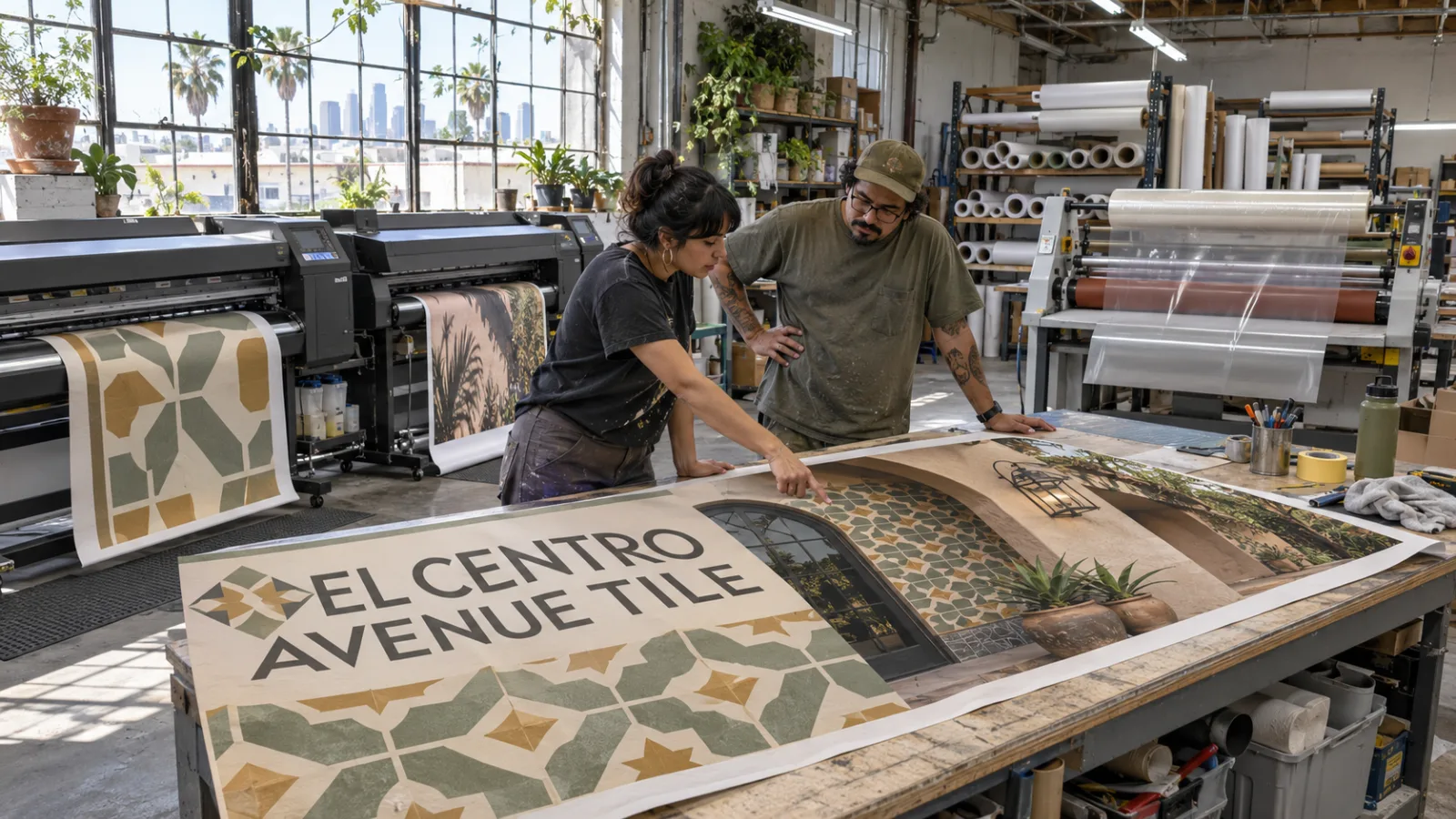
Large format printing is printing on wide rolls of vinyl, fabric and paper, or on rigid boards, for graphics too big for a normal press. Banners, vehicle wraps, wall murals, signs and trade show displays all start on a large format printer.
The right result comes from three choices: the ink, the material and the file you send. This guide covers each one.
What large format printing is used for
- Vehicle wraps and fleet graphics
- Banners for storefronts, events and construction sites
- Wall murals and wall graphics
- Building wraps and wallscapes
- Window and floor graphics
- Signs, posters and foam boards
- Trade show displays and store displays
Ink types
Each ink type has a job it does best.
- Solvent and eco-solvent inks bite into vinyl and hold up outdoors. They are common for banners, wraps and outdoor signs.
- UV-cured inks dry instantly under UV light. They can print right onto rigid boards like foam board, acrylic and aluminum.
- Latex inks are water-based and dry with heat. Prints come out dry and ready to finish, which suits wall graphics and indoor work.
- Water-based and dye inks give rich color on paper and fabric for indoor posters, photo prints and fabric displays.
We print on Roland, HP and Mimaki wide format printers and match the ink to the job.
Materials
Roll materials
- Vinyl banner is tough, waterproof and bright. The go-to outdoor banner.
- Mesh lets wind pass through. Best for fences and tall walls.
- Adhesive vinyl sticks to vehicles, walls, windows and floors.
- Perforated window vinyl shows your graphic outside and lets people see out from inside.
- Fabric is soft, wrinkle-resistant and glare-free under lights.
- Paper and photo paper suit posters and short-term indoor prints.
Rigid boards
- Foam board is light and cheap for indoor signs, menus and presentations.
- Corrugated plastic is the yard sign and real estate sign material.
- Aluminum composite holds up outdoors for business signs.
- Acrylic gives lobby signs a clean, high-end look.
Finishing
Finishing turns a print into a finished product:
- Laminate adds UV and scratch protection. Floor graphics get a slip-resistant laminate.
- Contour cutting cuts decals and lettering to any shape.
- Grommets, pole pockets and wind slits get banners ready to hang.
How to set up your files
- Send PDF, AI or EPS files when you can. High-resolution JPG, TIF and PSD files also work.
- Use vector art for logos and lettering.
- Convert fonts to outlines, or include them.
- Use CMYK color, and call out Pantone colors by number.
- Build the file at final size, or to scale with the scale noted.
- Add 1 inch of bleed on banners, signs and murals. Add 0.125 inch on small prints.
- Keep text and logos at least 1 inch from edges, seams and grommets.
Large prints are seen from farther away, so they need fewer pixels per inch than small prints. Not sure your file is ready? Send it and we will check it. See our full file requirements.
Design tips for big prints
- Design for distance. Picture where people stand when they see it. Size the text for that distance.
- Keep it short. One headline, one image and one way to reach you.
- Use strong contrast so it reads in sun, shade and at night.
- Put your logo where it is seen first, usually the top or the center.
- Proof it at full size on screen to catch blurry photos before they print.
Why print with one shop
When the same shop designs, prints and installs your graphics, colors match from one job to the next and no one passes blame. Cliff Digital has printed in Los Angeles for more than 40 years and has been a 3M certified printer since 1997. Our own crew installs across Los Angeles and handles multi-location rollouts nationwide.
Large format printing questions
What is large format printing?
Large format printing is printing on wide rolls or rigid boards for big graphics like banners, vehicle wraps, wall murals, signs and trade show displays.
What file types work best for large format printing?
PDF, AI or EPS files are best. High-resolution JPG, TIF and PSD files also work.
How much bleed do large prints need?
Banners, signs and murals need 1 inch of bleed. Small prints need 0.125 inch on every side.
What printers do you use?
We print on Roland, HP and Mimaki wide format printers in our Los Angeles shop.
Get a free estimate
Tell us what you need and where it goes. We will send a free estimate, and you will see a proof before anything prints.
Get a Free EstimateOr call (310) 323-5600, Monday to Friday, 8 AM to 5 PM.
